The mysterious and dreamy 3D intro effects, with a variety of effect-changing subtitles and three-dimensional shocking music, are certainly enough to attract people's attention and bring shocking audio-visual effects. This kind of effect production may seem unattainable, but novices can do it. The key is an easy-to-use 3D intro maker.
We've tested 15 popular 3D intro makers in the market, and here are the 6 of the best ones. Check our first-hand experiences and choose the best 3D intro maker that meets your requirements.
List of the 6 Best 3D Intro Makers



1. FlexClip
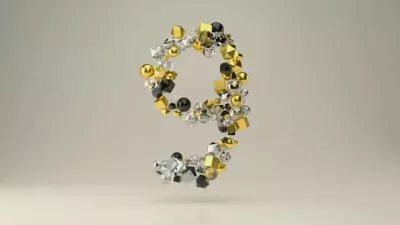
Traditional 3D intro video creation involves complex keyframes or 3D models. As someone who has zero experience in video editing, I successfully created a 3D intro at ease using FlexClip. AI helps me recreate the 3D intro template based on the image I entered. I am also able to make small changes like modifying text, swapping new background music, etc.
What really makes FlexClip stand out as a 3D intro maker is the AI video generation model integration. Anyone can access the most advanced models like Google Veo 3, Hailuo, Minimax, Seedance to turn a simple prompt and reference images into a dynamic video. It saves me from the trouble from manual animation and hours of rendering time.
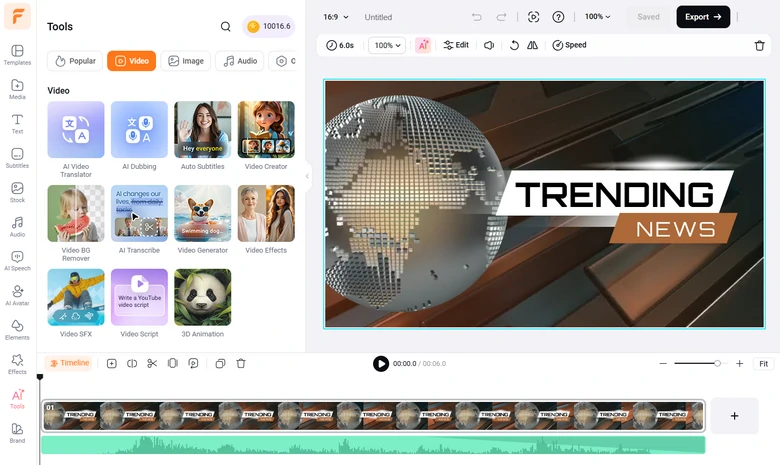
FlexClip 3D Intro Maker Overview


Pros of Using FlexClip's 3D Intro Maker
Downsides of Using FlexClip's 3D Intro Maker
2. Renderforest
Renderforst quickly catches my eyes with its hyper-focused library of specialized 3D logo reveals - ranging from realistic metallic transformations and glass shatters to sci-fi particle explosions. In my experience, all I had to do was upload a flat PNG version of my logo, type in a tagline, the engine automatically extruded the graphic and rendered it into a stunning 3D scene.
We are not only talking about simple resource replacement, but swapping out the default lighting palette to match the brand colors, and pair it with a cinematic audio track from the built-in library, delivering a crisp, broadcast-quality 3D intro that gives a logo image an instant upgrade in professionalism.
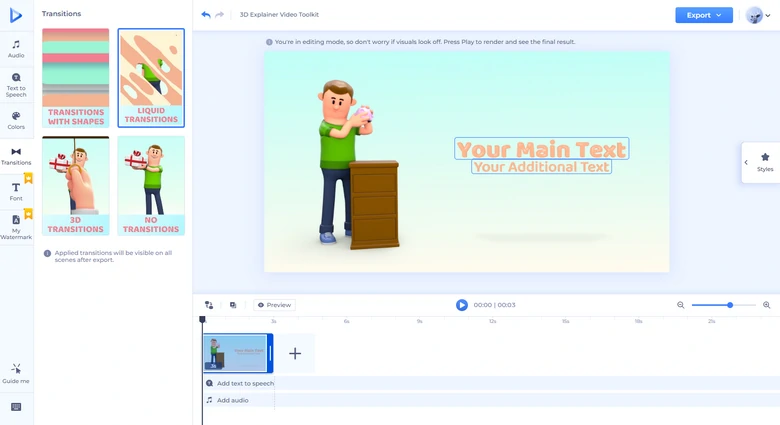
Renderforest 3D Intro Maker Overview
Pros of Using Renderforest's 3D Intro Maker
Downsides of Using Renderforest's 3D Intro Maker
Canva
For a very long time, I thought Canva was just for making quick social media graphics and presentations. But when I dive into Canva's template library, I found a massive selection of 3D-style video templates featuring rotating typography, neon 3D elements, and dynamic camera movements. The intuitive drag-and-drop interface makes it incredibly easy to swap in my channel logo, apply deep drop shadows, and add smooth motion animations.
I also experienced some of the fun AI features like AI text-to-speech tool, AI image generator, AI background removal to make 3D intro outstanding. All these features are from 3rd party providers, saving me from the trouble of jumping between websites.
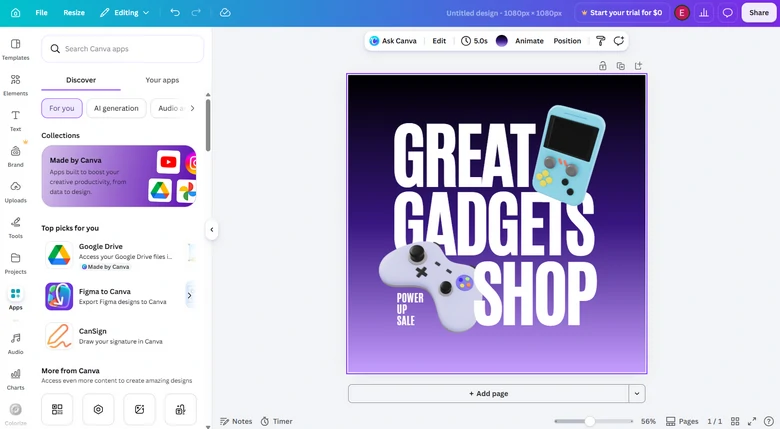
Canva 3D Intro Maker Overview
Pros of Using Canva's 3D Intro Maker
Downsides of Using Canva's 3D Intro Maker
CapCut
CapCut blew me away with its built-in 3D animated effects, like 3D zoom, spatial camera shakes, 3D particle overlays. When I upload an image, CapCut separates the foreground from the background, creating a dramatic, depth-of-field camera pan, that instantly made my static graphic feel like multi-layered 3D scene.
Apart from 3D animated effects, CapCut offers some TikTok-popular overlays, effects, background music, sound effects, text animations. Use them create social media popular ready 3D intro videos.
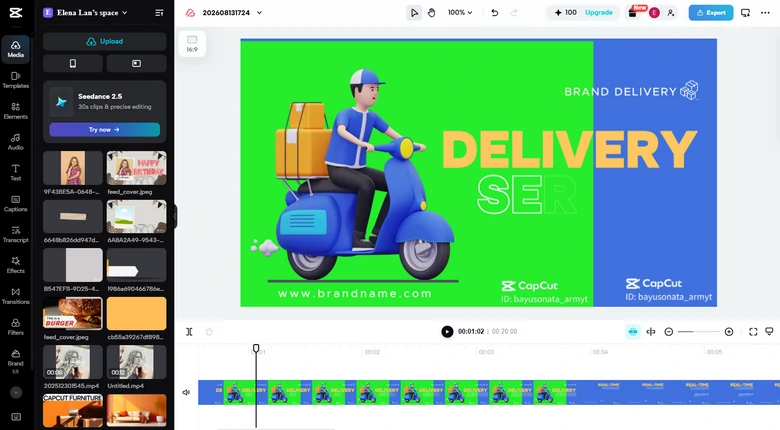
CapCut 3D Intro Maker Overview
Pros of Using CapCut's 3D Intro Maker
Downsides of Using CapCut's 3D Intro Maker
Videobolt
Rather than seeing bunch of basic pseudo-3D parallax, I notice thousands of hyper-realistic 3D templates crafted by professional motion designers using tools like Cinema 4D and After Effects. All 3D intro video templates are even ready to be used commercially.
I am also impressed by the level of granular control Videobolt offers. When customizing a sci-fi theme intro, I was able to tweak surface textures, adjust the color glow of energy particles, swap out background environment, and fine-tune spatial camera angles using intuitive customizatio sliders. Rendering and exporting the final output in full 4K took just a few minutes.
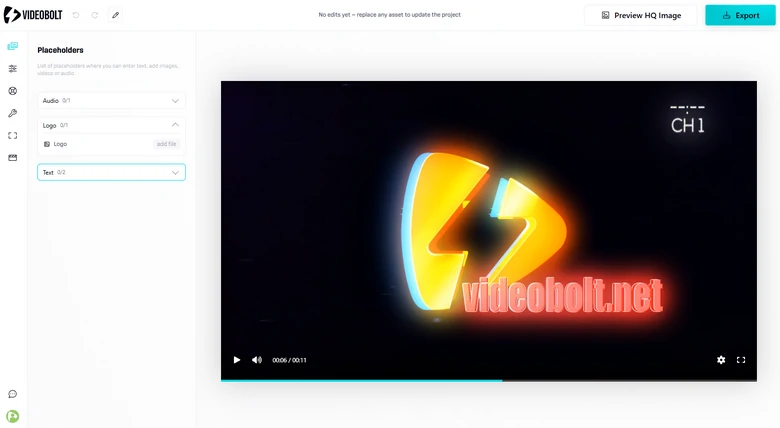
Videobolt 3D Intro Maker Overview
Pros of Using Videobolt's 3D Intro Maker
Downsides of Using Videobolt's 3D Intro Maker
Placeit
Placeit offers seamless and foolproof workflow for non-designers. When setting up an intro, I was able to customize the color palette, swap the background music, and preview the 3D animation right inside the browser without long render queues.
As far as I know, Placeit is powered by Envato, a website offering visual resources. That means new 3D intro templates keep coming.
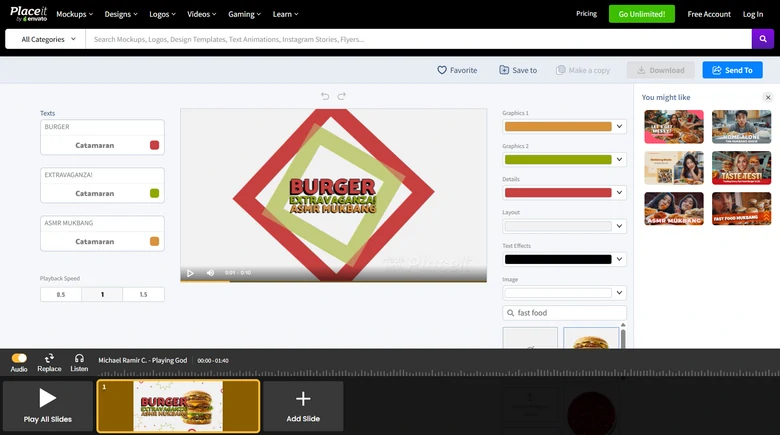
Placeit 3D Intro Maker Overview
Pros of Using Placeit's 3D Intro Maker
Downsides of Using Placeit's 3D Intro Maker
Frequently Asked Questions
1. What is the ideal length for a 3D intro?
For most YouTube videos, podcasts, and vlogs, the sweet spot is 3-7 seconds. Anything longer than 10 seconds risks losing viewer retention before your main content begins.
2. What's the difference between true 3D and pseudo 3D?
True 3D involves full geometric modeling, spatial lighting, textures, camera controls, and depth physics built using dedicated 3D engines. Pseudo 3D uses flat 2D layers, pre-rendered 3D video backgrounds, parallax motion, and drop shadows to simulate a 3D effect inside standard video editors.




FlexClip AI Video Maker
Reach professional-quality videos faster with easy editing tools, templates, and smart AI.
Start Now for Free
Hot & Trending
-

Best Ways to Find Music in YouTube Videos
-
Instagram Story Video Quality Bad After Upload? Fix It!
-
How to Repost Video on TikTok & How to Remove TikTok Repost
-
Improve Video Quality Online: 3 AI Video Quality Enhancers You Can't Miss
-
4K Convert to HD 1080p without Watermark: Best 4k Video Converters
-
Best 8 Free Video Editors - No Download Required
-
Top 13 Birthday Video Makers with Music and Effects Free
-
How to Search Filters on TikTok & Use a Filter You See - TikTok Filter Guide